
How to design the good website?
July 28, 2025
Designing a "good" website is a blend of art and science, combining aesthetics with functionality to create an effective and enjoyable user experience. Here's a comprehensive guide to designing a good website:

1. Understand Your Purpose & Audience
Before even opening design software, clarity is key.
- Define Your Goal: What do you want your website to achieve? (e.g., generate leads, sell products, inform, build a community, showcase portfolio).
- Identify Your Target Audience: Who are you designing for? (e.g., age, demographics, tech-savviness, needs, pain points, interests). Understanding your audience dictates the language, visuals, and overall tone.
- Competitor Analysis: What are your competitors doing well? Where are they falling short? This helps you identify opportunities to differentiate.
2. User Experience (UX) First
A good website is intuitive and easy to use.
- User-Centric Design: Always put the user at the center of your design decisions.
- Intuitive Navigation:
- Clear Menu Structure: Logical, easy-to-understand labels.
- Consistent Placement: Navigation elements should stay in predictable locations.
- Breadcrumbs: For larger sites, help users understand their location.
- Search Functionality: Essential for sites with a lot of content.
- Information Architecture: Organize your content logically so users can easily find what they're looking for. Use sitemaps and user flows.
- Accessibility: Ensure your website is usable by everyone, including people with disabilities (e.g., proper color contrast, alt text for images, keyboard navigation).
- Mobile-First / Responsive Design: Design for mobile devices first, then scale up to larger screens. Your website must adapt seamlessly to all devices (phones, tablets, desktops).
- Fast Loading Speed: Optimize images, code, and server response times. Users will abandon slow-loading sites.
3. Visual Design & Aesthetics (UI - User Interface)
This is where the "art" comes in, but it should always serve the "science" of UX.
- Clean and Uncluttered Layout: Avoid visual clutter. Use white space effectively to draw attention to important elements.
- Consistent Branding:
- Logo Placement: Prominently display your logo.
- Color Palette: Use a consistent set of brand colors (usually 2-3 primary, with accents). Ensure good contrast for readability.
- Typography: Choose readable fonts (usually 1-2 primary fonts) and maintain consistent sizing for headings, body text, etc.
- High-Quality Visuals: Use professional, high-resolution images, videos, and graphics. Avoid generic stock photos if possible.
- Visual Hierarchy: Use size, color, contrast, and placement to guide the user's eye to the most important information first.
- Emotional Connection: Design elements should evoke the desired feelings (e.g., trustworthy, innovative, playful, serious).
4. Compelling Content
Even the best design can't save bad content.
- Clear and Concise Copy: Write engaging, easy-to-understand text. Avoid jargon.
- Benefit-Oriented: Focus on what's in it for the user, not just your features.
- Call-to-Actions (CTAs): Clear, prominent, and compelling buttons or links that tell the user what to do next (e.g., "Learn More," "Buy Now," "Get a Quote").
- Proofreading: Ensure all content is free of typos and grammatical errors.
- Search Engine Optimized Content: Integrate relevant keywords naturally into your headings and body text.
5. Functionality & Interactivity
The website needs to work flawlessly.
- Reliability: All links, forms, and interactive elements should function correctly.
- Forms: Keep forms short and simple, with clear labels and error messages.
- Interactive Elements: Use animations or micro-interactions thoughtfully to enhance user experience, not distract from it.
- Security: Ensure the website is secure (HTTPS).
6. Search Engine Optimization (SEO) Basics
Even the most beautiful website is useless if no one can find it.
- Keyword Integration: Use relevant keywords in titles, headings, and content.
- Meta Descriptions & Title Tags: Write compelling and descriptive meta titles and descriptions for each page.
- Image Alt Text: Add descriptive alt text to all images for accessibility and SEO.
- Schema Markup: Use structured data to help search engines understand your content better.
- Google My Business (for local businesses): Optimize your listing.
7. Performance & Maintenance
A good website isn't a "set it and forget it" project.
- Analytics Tracking: Implement Google Analytics or similar tools to monitor website performance, user behavior, and traffic sources.
- Regular Updates: Keep your content fresh, software (CMS, plugins) updated, and security patches applied.
- Testing: Continuously test your website on different browsers and devices to catch any issues. A/B test different elements to optimize conversions.
- Feedback Loop: Listen to user feedback and use it to make improvements.
Summary of Key Principles:
- User-Centric: Always design with your audience in mind.
- Simplicity: Less is often more. Avoid clutter and unnecessary complexity.
- Consistency: Maintain a consistent look, feel, and functionality across the entire site.
- Responsiveness: Essential for all devices.
- Clarity: Make your message and calls-to-action crystal clear.
- Speed: A fast website leads to happy users and better rankings.
- Purpose-Driven: Every element should serve a purpose related to your website's goals.
By focusing on these core principles, you can design a website that not only looks great but also performs effectively and provides a positive experience for your users.
My Blog
A website can be a powerful tool for business growth, but simply having one isn't enough. To use your website effectively, you need to think of it as a central hub for your online presence and a key part of your marketing and sales strategy.
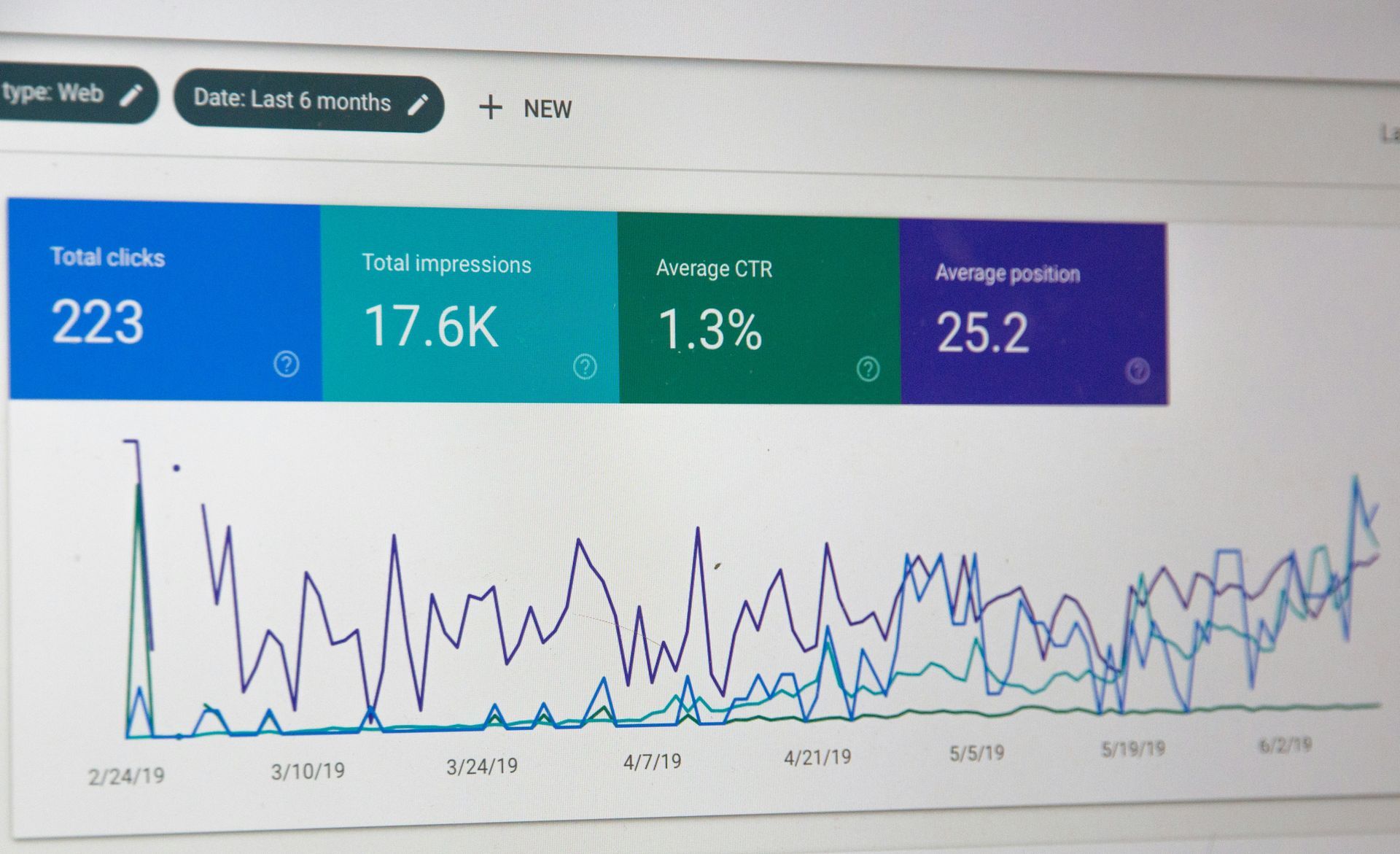
How to Get More People to Find Your Website To get more people to find your website, you need to employ a combination of online marketing strategies. Think of it like building a lighthouse: not only does it need to be sturdy and reliable itself (website design and content), but more ships need to see its light (promotion).